Using a drone camera to capture breathtaking landscapes offers an innovative perspective that is often inaccessible to traditional cameras. Drone camera video techniques have evolved tremendously, allowing hobbyists and professionals alike to produce high-quality footage with ease. Whether you are exploring vast mountains, sprawling forests, or intricate coastlines, drones provide versatile opportunities to showcase nature’s immense beauty.
Mastering Drone Camera Video Techniques
To create mesmerizing drone footage, it’s crucial to understand the equipment and techniques involved in drone photography. The first step is selecting the right drone—make sure it has high-resolution capabilities and features such as stabilization. A drone equipped with a 4K camera can capture sharp images and videos that truly represent the landscape’s grandeur. Pattern flight modes are particularly helpful for navigating challenging terrains, allowing you to concentrate on footage composition rather than aerial navigation.
Planning Your Shoot
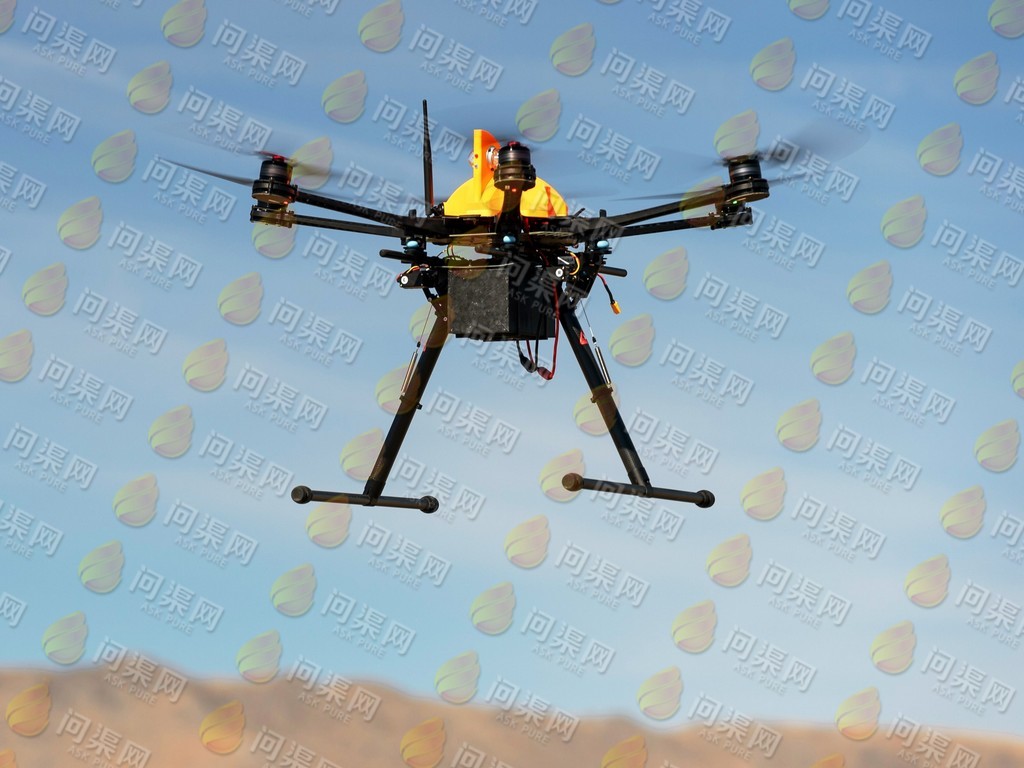
A critical component in capturing stunning landscapes is planning your shoot carefully. Weather conditions significantly affect video quality, so checking forecasts before heading out is necessary. Windy conditions can destabilize your drone, making footage shaky. Additionally, lighting plays a significant role; shooting during the golden hours—shortly after sunrise and before sunset—ensures exquisite lighting that enhances your video’s aesthetic.
Choosing the right location is paramount. Seek spots that boast diverse landscapes; incorporating elements like water bodies, rolling hills, and vegetation will enrich your visual narrative. Use tools such as Google Earth or mapping software to determine potential locations and plan your flight paths.
Utilizing Advanced Drone Video Techniques
Using advanced video techniques can dramatically enhance your footage. Consider the following methods:
- Panoramic Shots: Rotate your drone for sweeping views that cover extensive area, capturing expansive landscapes in a single frame.
- Top-Down Perspectives: Shoot directly downward for a unique view often missed at eye level. This technique is ideal for illustrating symmetry and texture in natural elements.
- Motion Control: Employ slow motion for dramatic effects or time-lapse to depict the passage of time across landscapes. Adjust your drone’s speed settings to suit your preferred style.
Bear in mind, safety is a significant concern; abide by local aviation rules and regulations to ensure a safe and responsible flight.
Editing Your Drone Footage
Creating a compelling video doesn’t end with capturing footage. Editing plays a pivotal role in transforming raw video into a polished masterpiece. Use editing software like Adobe Premiere Pro or Final Cut Pro to refine your video. Focus on color grading to bring out the natural hues of landscapes, and synchronize music that complements the visuals. Experiment with transitions and effects to maintain viewer engagement throughout the video.
Common Challenges and Solutions
Despite the capabilities of drones, challenges will arise. Battery life is a common concern, as it limits the amount of time you can spend flying. Investing in multiple batteries or charging accessories is advised. Signal interference and connectivity can be mitigated by flying in areas with minimal electronic disruption.
FAQs
- How can I prevent my drone camera video from shaking?
Utilize gimbals for stabilization and ensure your drone settings are optimized for smooth flight motions.
- What’s the best resolution for drone videos?
4K resolution is recommended for high-quality imagery; however, you may choose 1080p depending on your storage capabilities.
- Is video editing essential after filming?
Yes, editing is crucial to enhance the aesthetic quality of footage and provides a professional finish.